 Loxley Labs
Quick Notes
Notes and checklists on a board, kept on your phone. No ads, no accounts.

9e0806addb09c561183a055e0fdd12ae1dd53f27e94d91937cb22dc1d236fe29Every screen.
Swipe through.
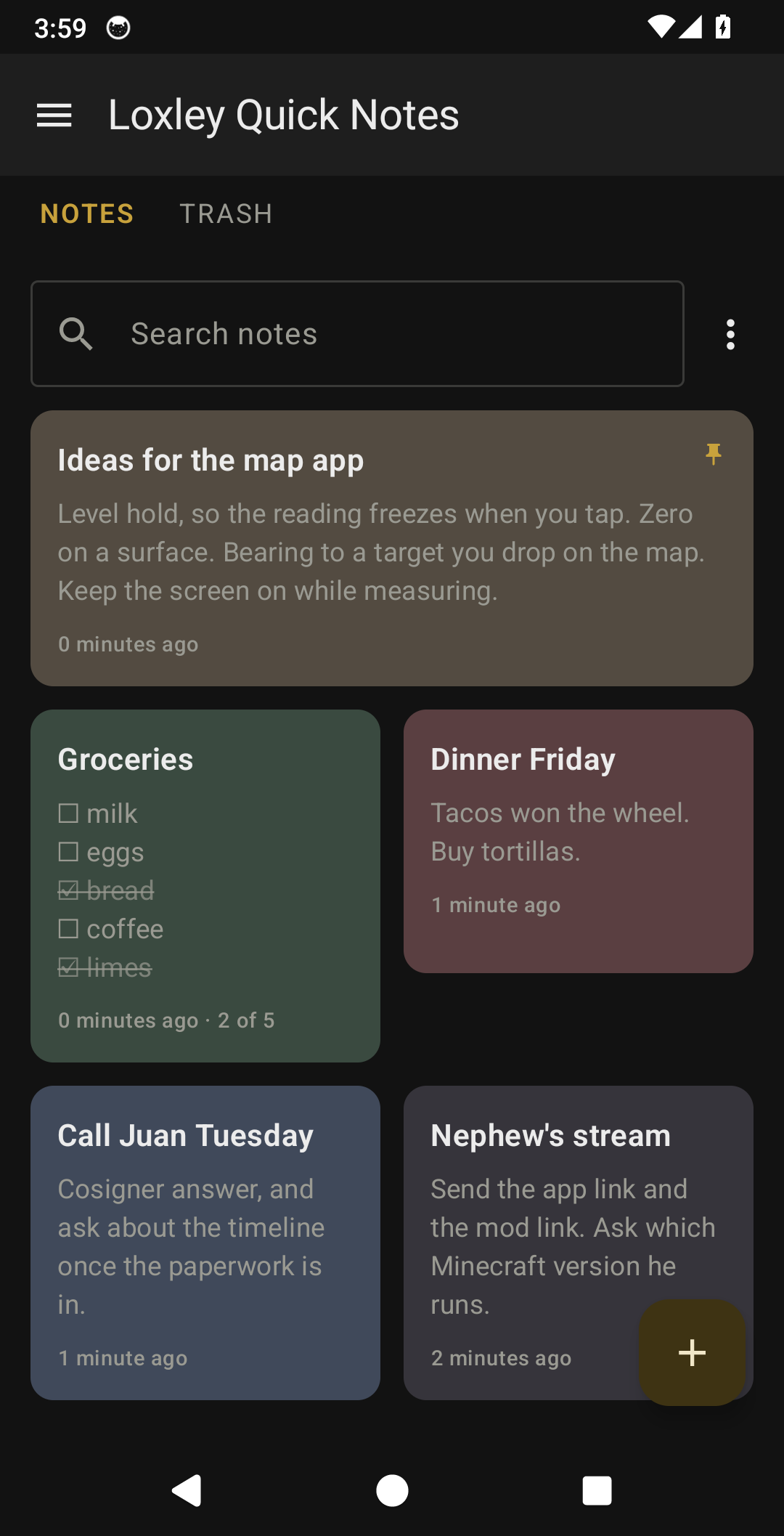
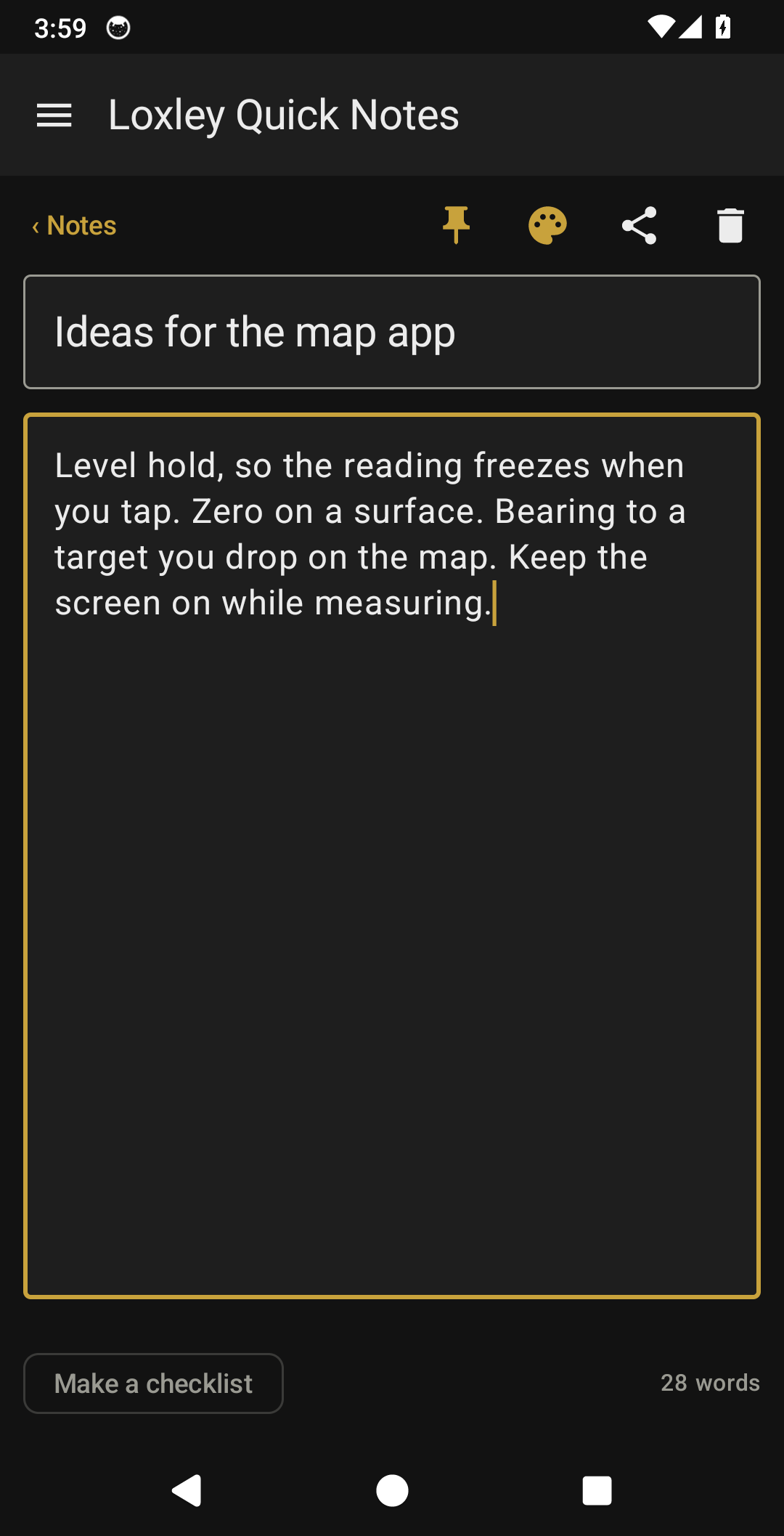
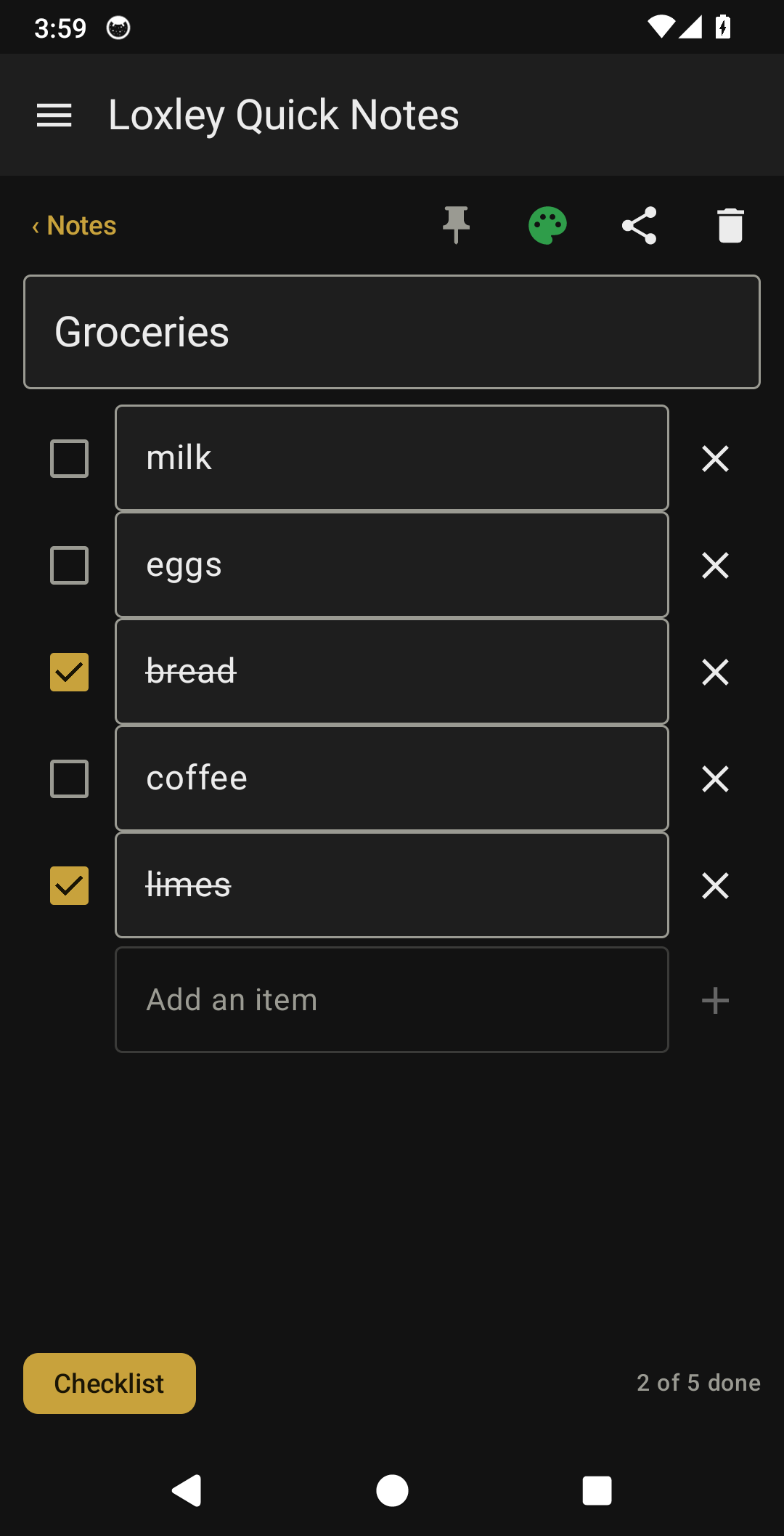
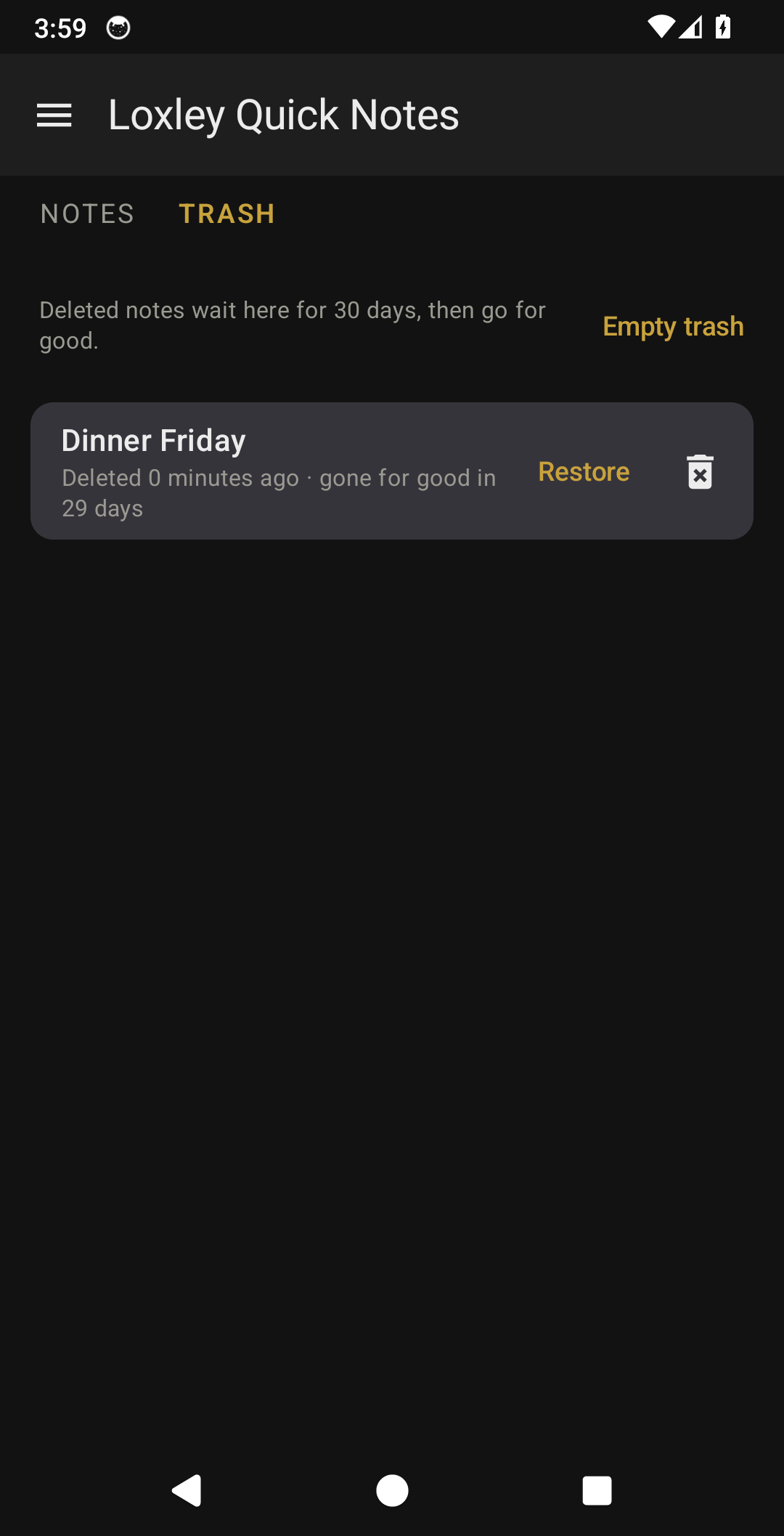
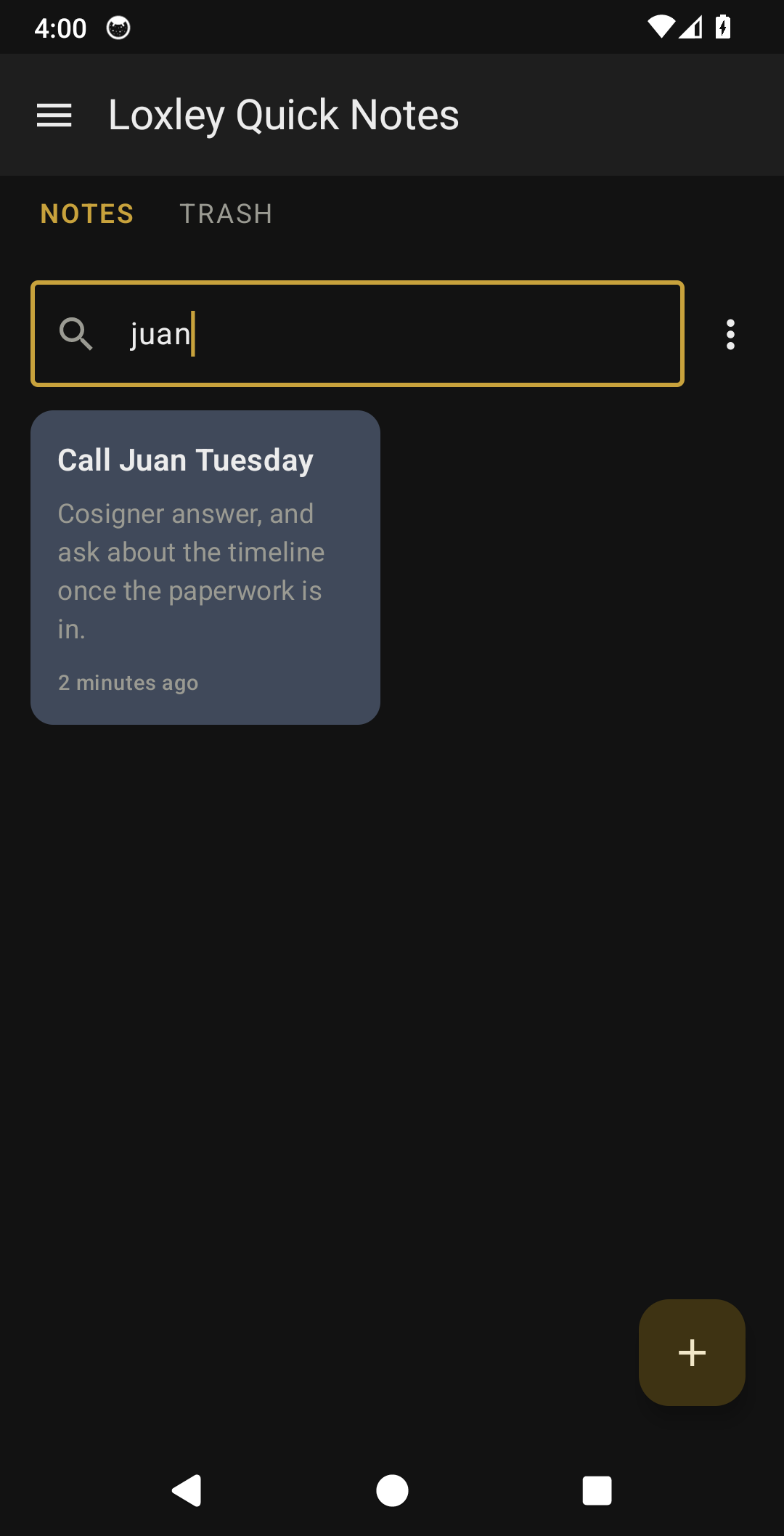
Write a note. That's it. Your notes sit on a board of tinted tiles, the pinned ones wide across the top. Tap + and start writing; tap Notes and it saves itself. Turn any note into a checklist, give it a colour, pin it, share it. Delete one by mistake and it waits in the Trash for 30 days. No ads, no accounts, and nothing watching what you type.
NEW IN 1.1
- The board: two columns of tinted tiles, pinned notes wide across the top
- Search across titles and text
- Pin a note to the top, and give it one of five colours
- Checklists you tick off, still plain text underneath
- Trash: deleted notes wait 30 days, restore or empty at any time
- Share a note as text, and a word count while you write
- Back up all notes to a file, and restore them on another phone
- Text size in Settings
- Notes and Trash as tabs, and a back button that returns to the previous screen
WHAT YOU GET
- A board of notes, newest first, pinned first
- Text notes and checklists
- Search, pin, colour, share
- A Trash with a 30-day grace period
- Backup and restore to a plain file
- Stored locally on your device
- Works offline
THE LOXLEY PROMISE
- No ads, ever
- No tracking, no analytics, no accounts
- No internet permission, so it cannot phone home
- No permissions requested at all
- Free, and yours to keep
Loxley Labs makes simple tools the old way: each one does one job well, then stops. This one's free, and it stays free. No subscriptions, no terms that change after you install it. If it earns a spot on your phone, you can buy me a coffee; a coffee is a thank-you, never a paywall.
Questions? Contact support
Free, and it stays free.
If it earns a spot on your phone, you can buy me a coffee. A thank-you, never a paywall.