 Loxley Labs
Tally Counter
Count by tapping or with the volume buttons. Multiple counters, goals, offline.

a49761c914c5abb17177ae213b20bfdb5b7bc8bd472c4bd384865108c8cc71f5Every screen.
Swipe through.
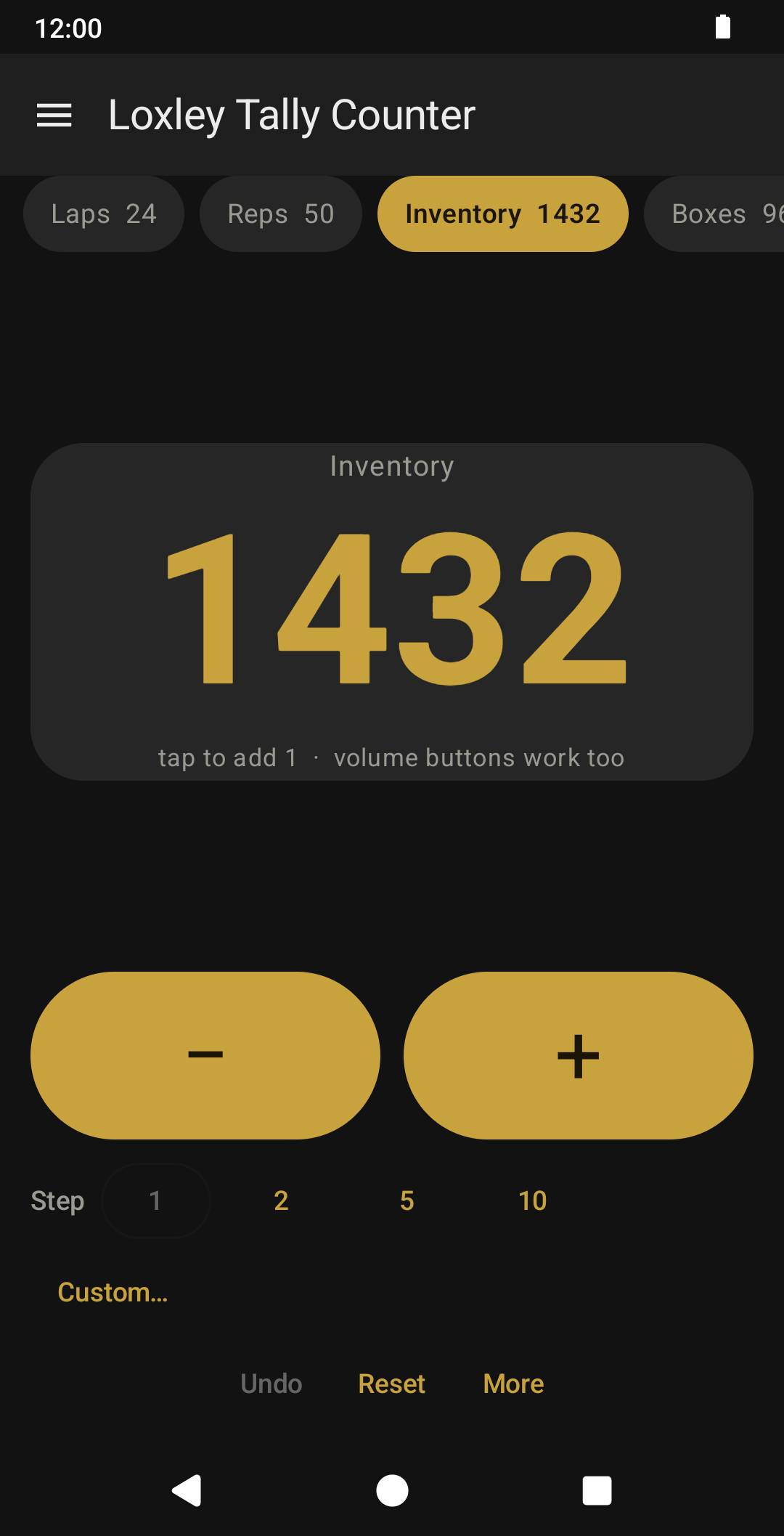
Count things by tapping. That's it. No ads, no sign-up, no permissions, and nothing watching what you do.
Tap the big number to add one, or use the volume buttons so you never have to look at the screen. That is the point of a counter you hold: you can count with gloves on, in the dark, or with your eyes on the shelf in front of you. Every change gives a small haptic tick, so you can count by feel. If you would rather keep the volume buttons for the volume, there is a switch in Settings.
Keep as many counters as you need, each with its own name. Crates in one, cars in another, laps in a third. Switch between them with a tap.
Every count is saved the moment it changes. Closing the app, a phone call, or the battery dying will not cost you your place.
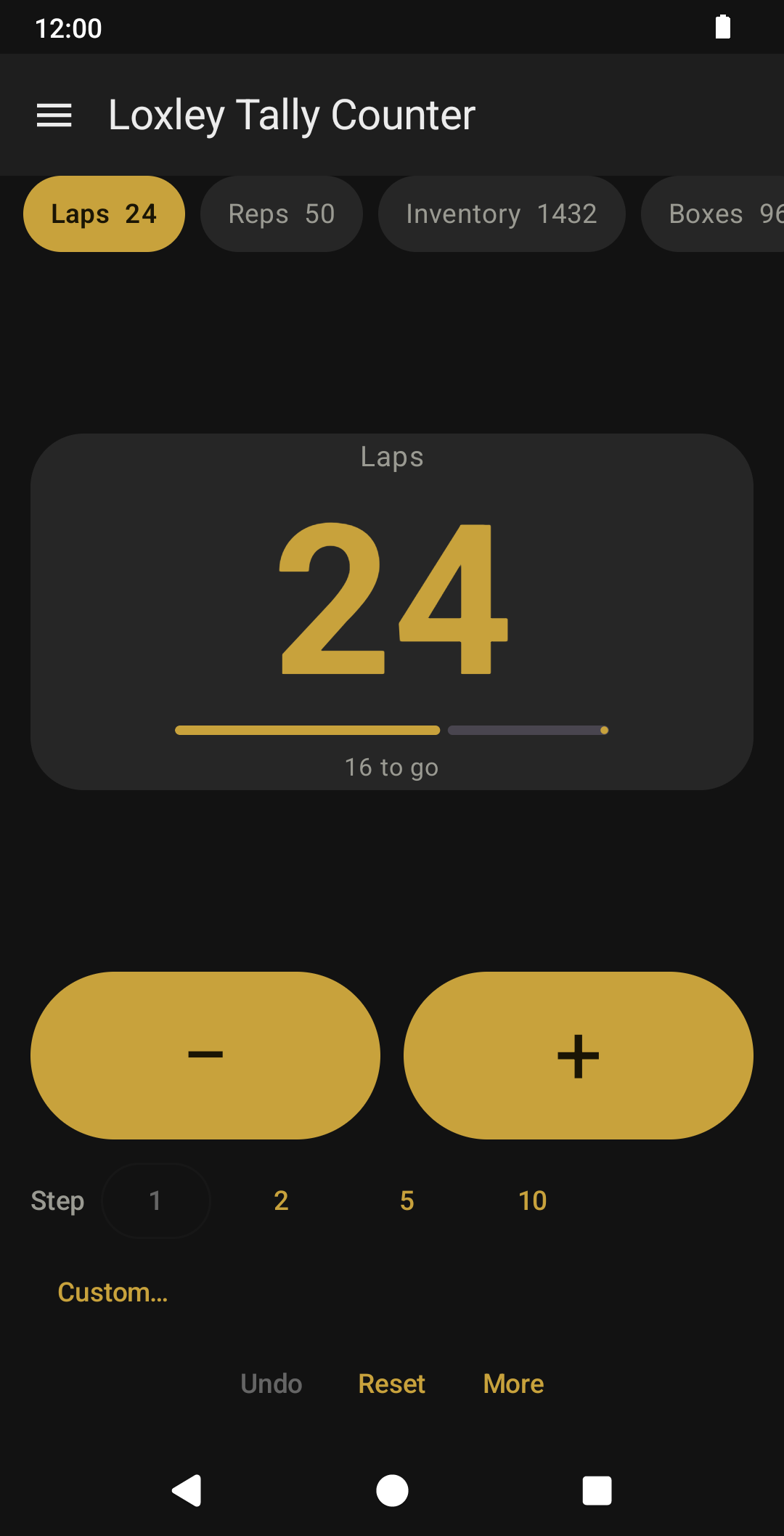
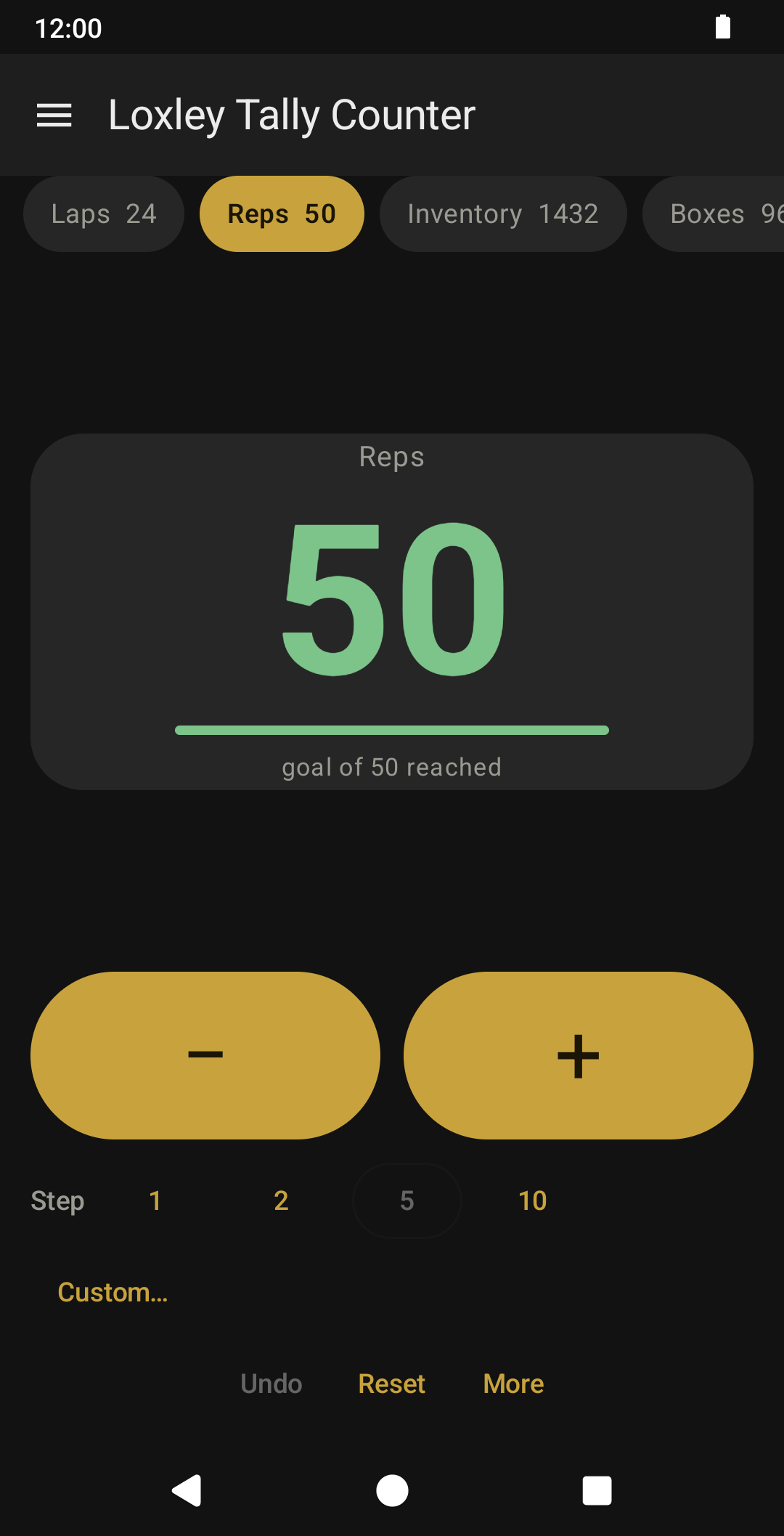
Set a goal on any counter and the bar fills as you go, with the number still to go underneath. When you reach it, it turns green.
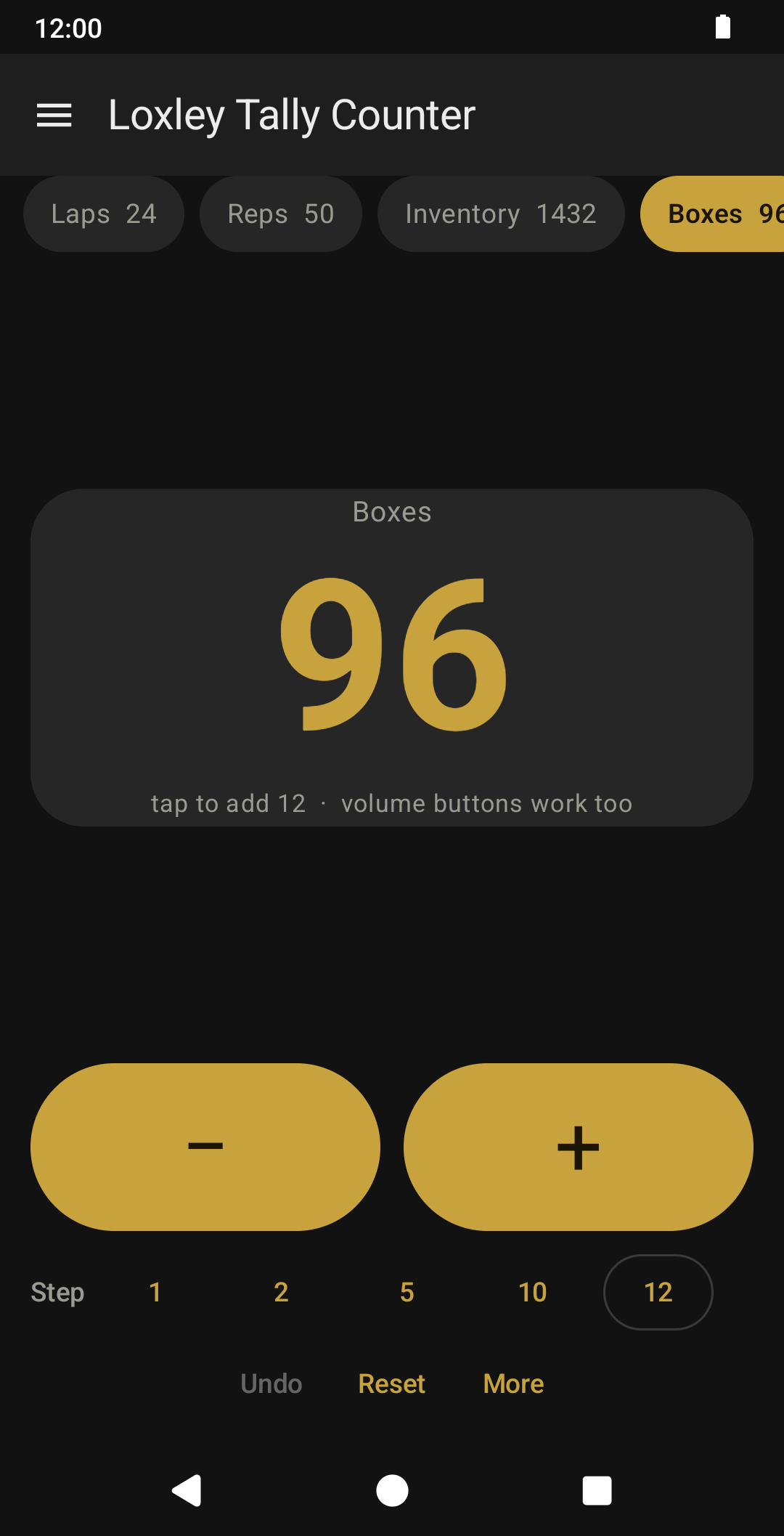
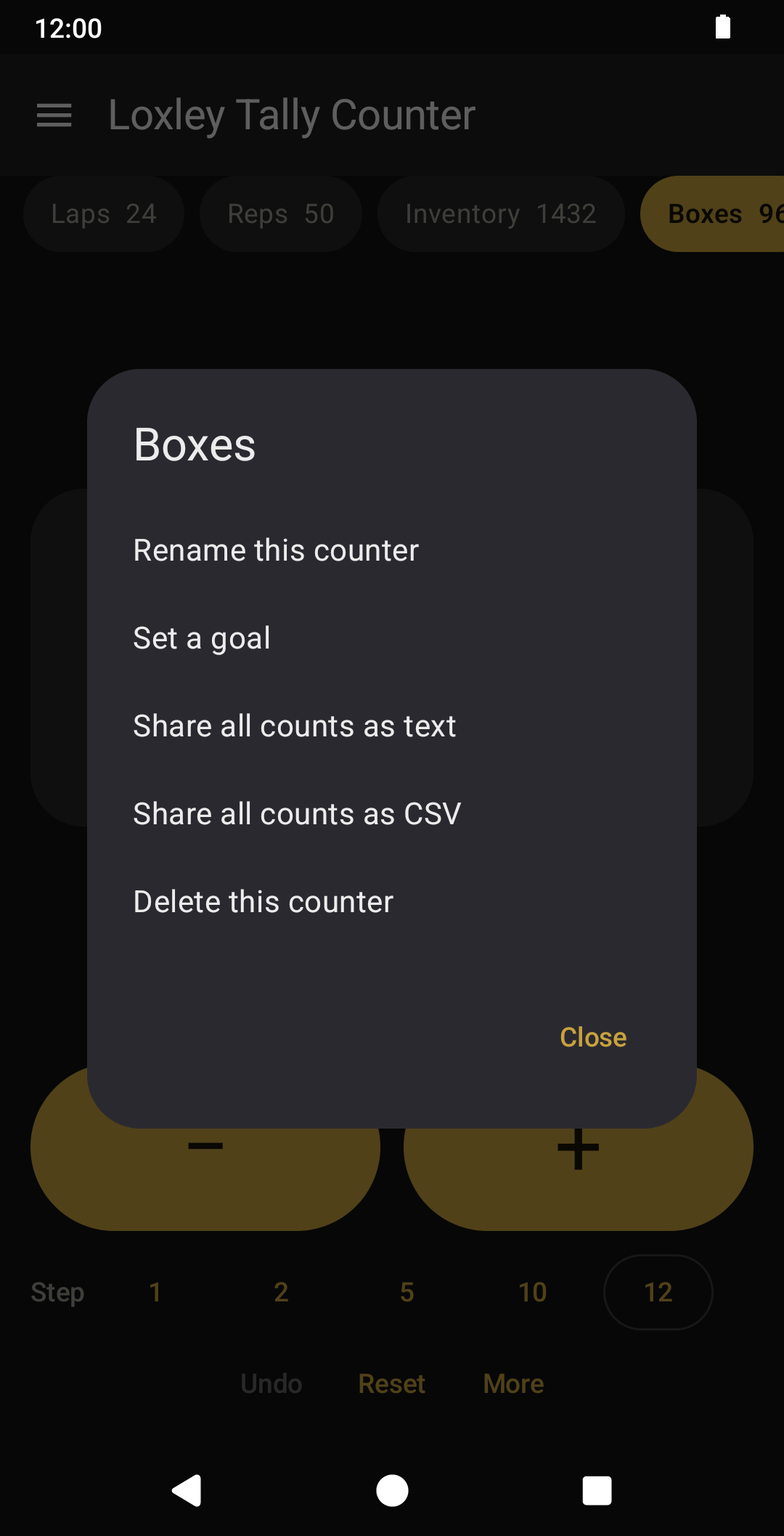
Each counter remembers its own step, so crates can go up in twelves while laps go up in ones. Pick 1, 2, 5 or 10, or set any whole number you like. Hold the number to rename the counter, set a goal, share, or delete it.
The screen stays awake while you are counting, because looking up from what you are counting to find a dark phone is the second most annoying thing an app like this could do to you.
WHAT YOU GET
- As many named counters as you need
- Counting with the volume buttons, with a switch in Settings to turn it off
- Counts saved instantly, and still there after the app is closed
- Goals, with a progress bar and the number left to go
- A step per counter: 1, 2, 5, 10, or any number you set
- Hold the number for rename, goals, sharing and delete
- Undo
- Share all counts as text, or as CSV for a spreadsheet
- The screen stays awake while you count
- A haptic tick on every change
- Six themes, including high contrast
- Works offline
THE LOXLEY PROMISE
- No ads, ever
- No tracking, no analytics, no accounts
- No internet permission, so it cannot phone home
- No permissions requested at all
- Free, and yours to keep
Loxley Labs makes simple tools the old way: each one does one job well, then stops. This one's free, and it stays free. No subscriptions, no terms that change after you install it. If it earns a spot on your phone, you can buy me a coffee; a coffee is a thank-you, never a paywall.
Questions? Contact support
Free, and it stays free.
If it earns a spot on your phone, you can buy me a coffee. A thank-you, never a paywall.